
How to create your Prayer Times Calendar
Prayer Times Calendars let you create printable A4 timetables with your mosque's Athan and Iqamah times. Choose from professional templates and customize with your branding, text, and colors.
Before you begin: Your organization must be verified, and you need to have prayer times configured first. Your calendar will pull times from your prayer schedule.
Create your calendar
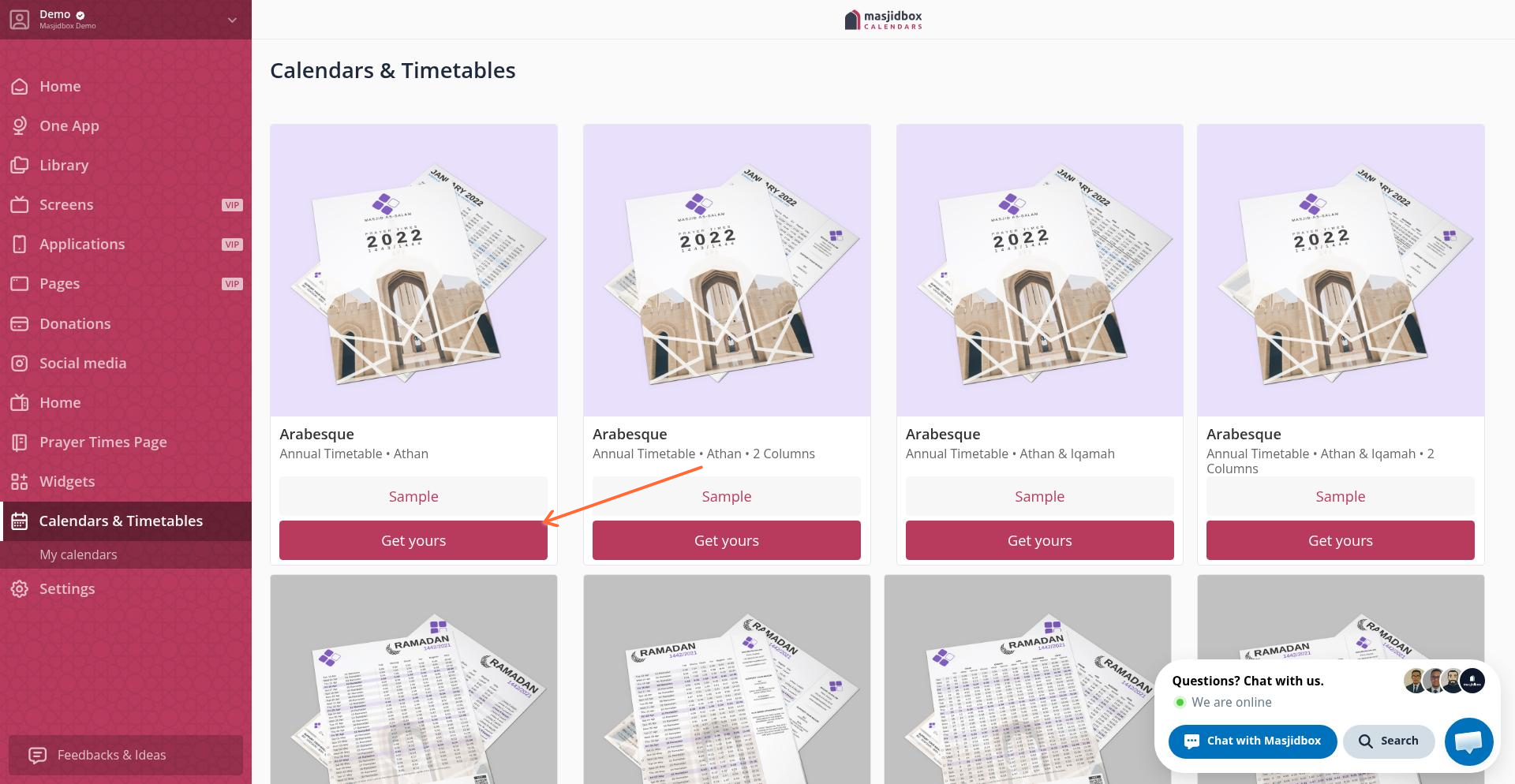
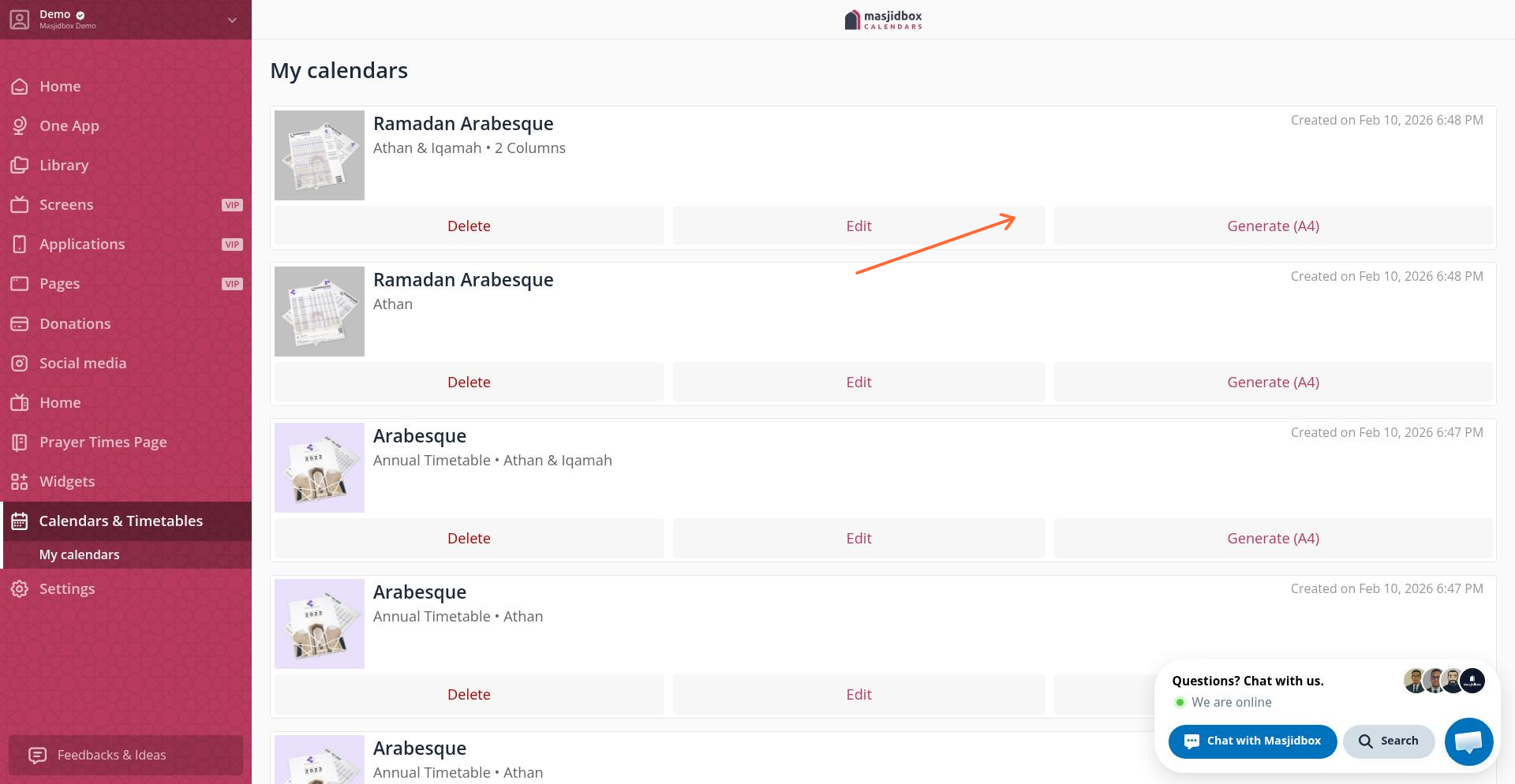
Choose a template — Go to Calendars & Timetables in your dashboard menu. Browse available templates and click Get yours on the template you like.
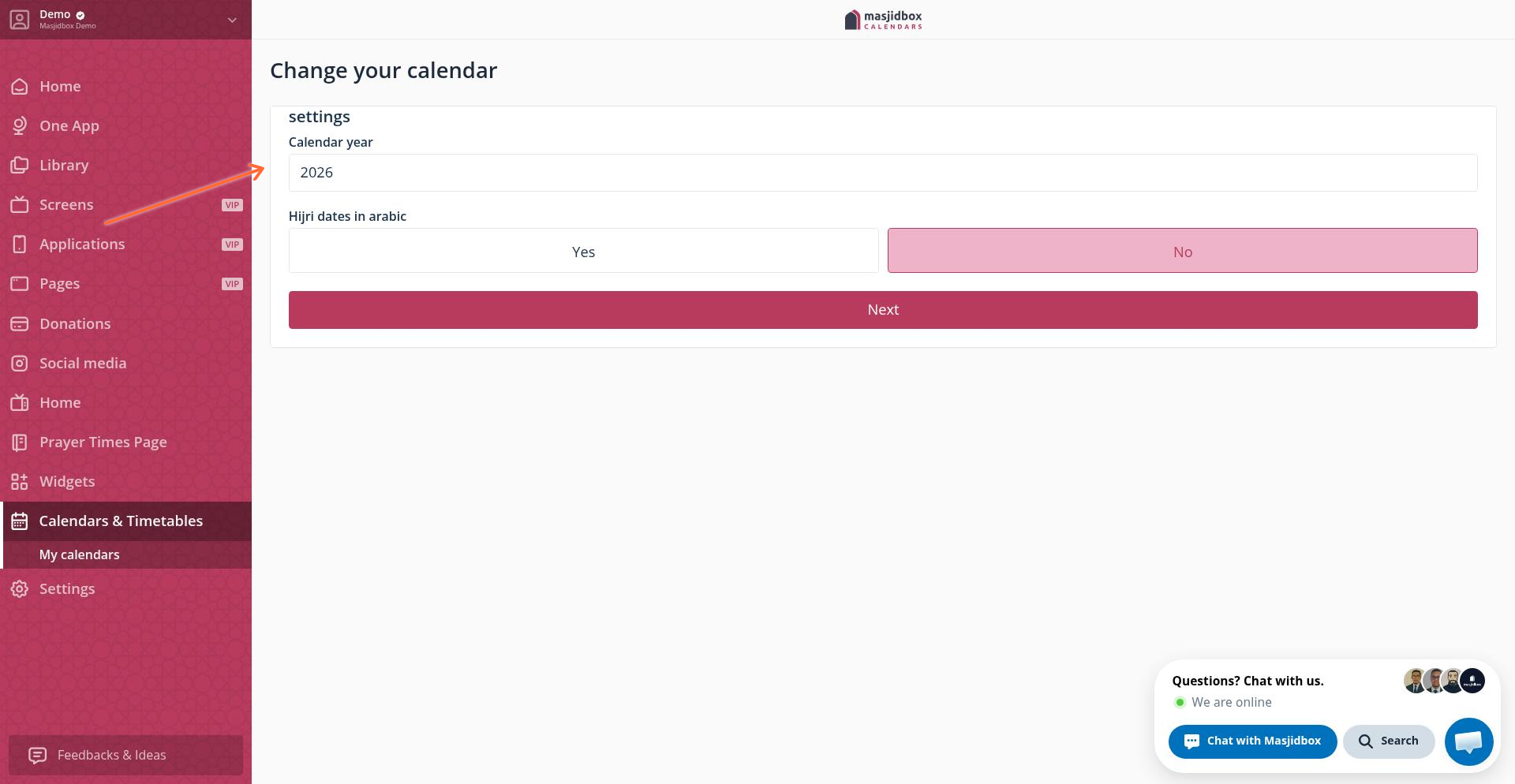
Configure settings — Click Edit on your new calendar. In the Settings tab, set your calendar year and choose options like highlighting Fajr/Maghrib, showing Imsak times, or adding your app QR code.
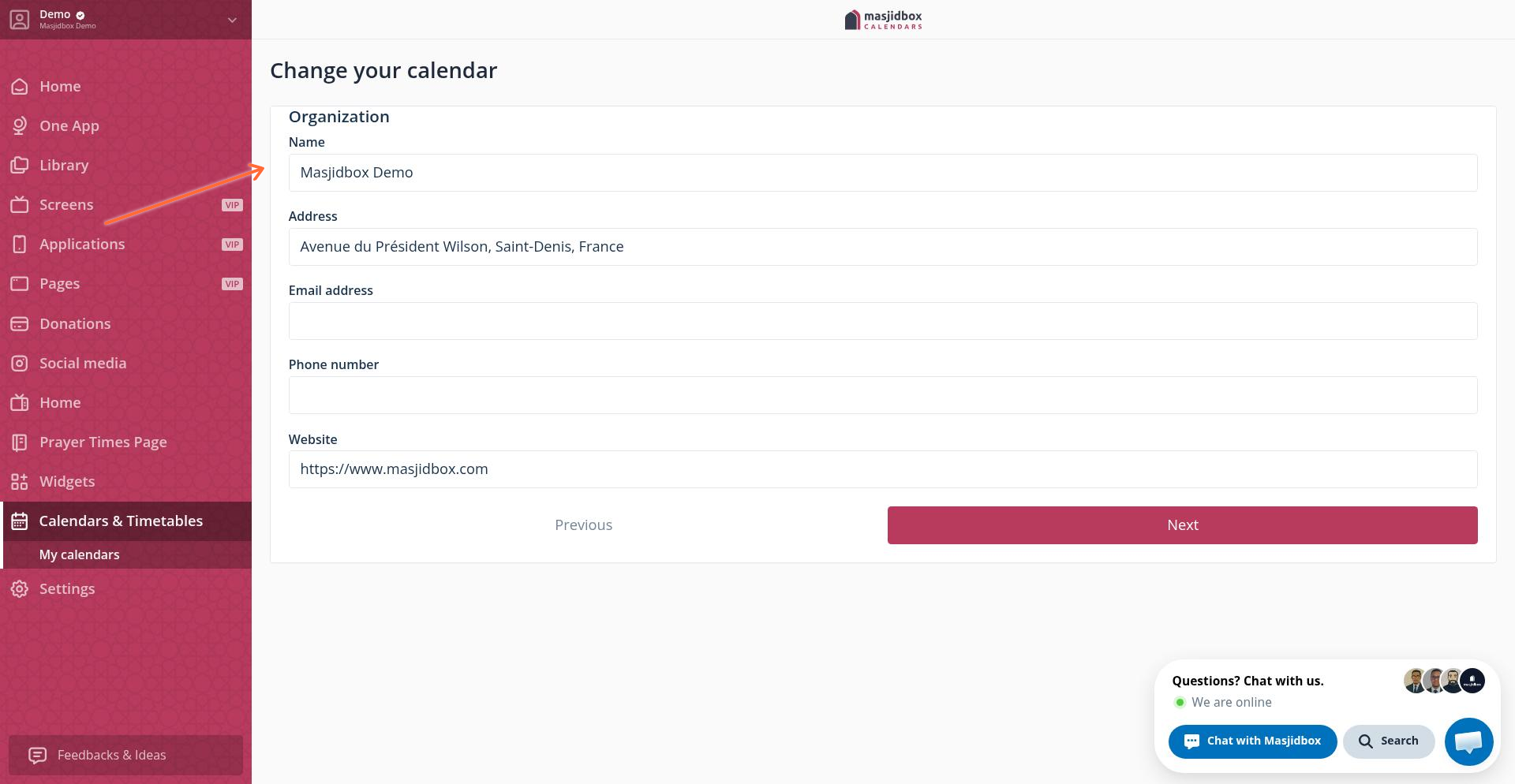
Add organization details — Switch to the Organization tab to edit your mosque name, address, and phone number. These auto-fill from your account, but you can customize them for each calendar.
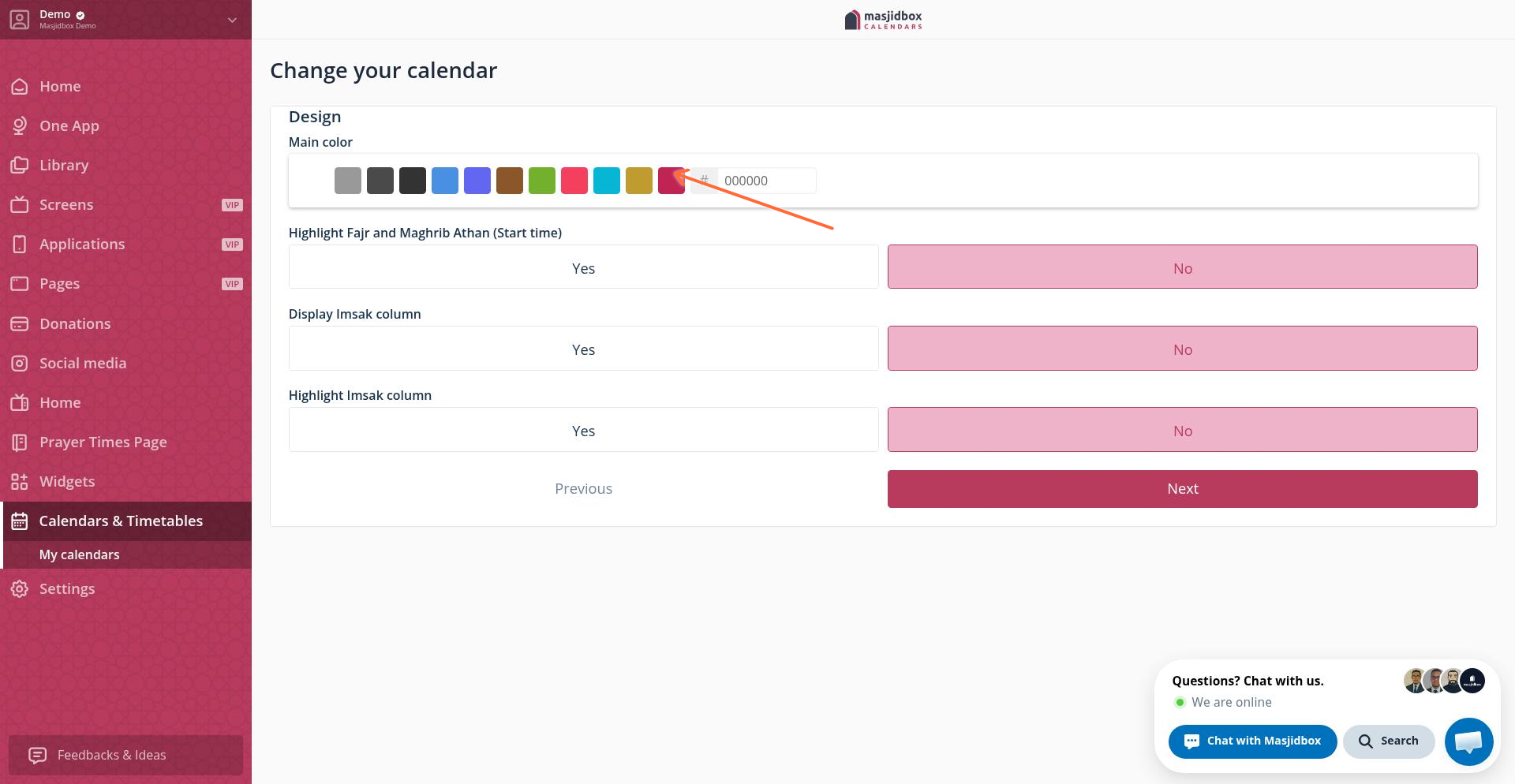
Customize design — Use the Design tab to choose colors, upload your logo, or add a background image. Files must be under 2MB.
Generate your PDF — Save your changes, then click Generate (A4) from your calendar list. Your printable PDF will download automatically.
Video tutorial
You can create multiple calendars with different templates or customize separate versions for different locations or languages.