
Configure the Ramadan Times Timetable block
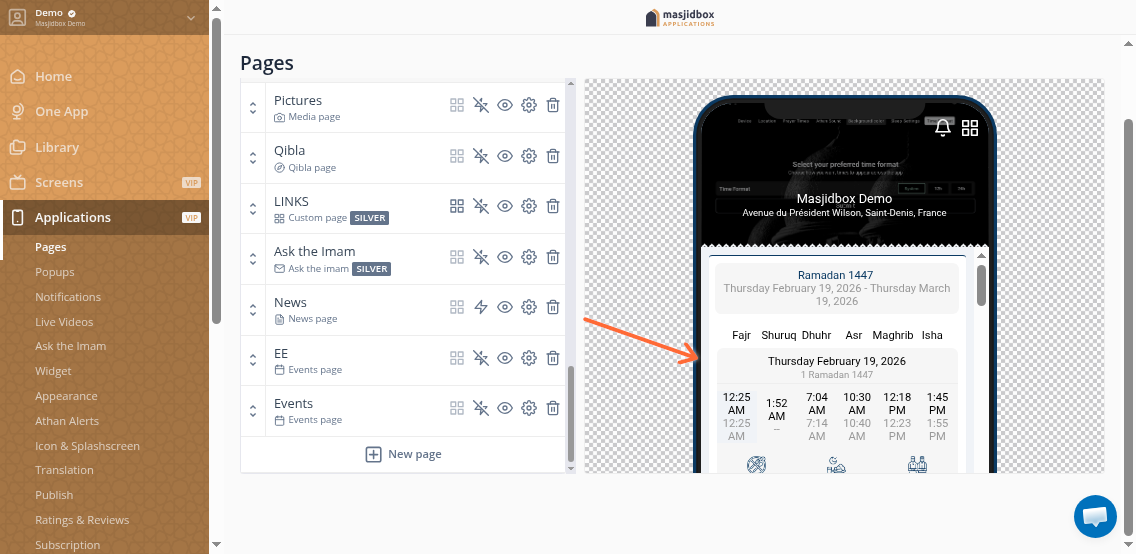
The Ramadan Times Timetable block displays Imsak, Iftar, and Taraweeh times in your mobile app Pages. Use it to help your community track daily Ramadan schedules.
Before you begin: You'll need a Silver plan subscription and prayer times configured in Settings > Prayer Times.
Add the Ramadan Times block
In your Masjidbox dashboard, go to Applications and select the Page you want to edit.
Click Add a component and search for "Ramadan Times" or scroll to find it in the component library.
Click the Ramadan Times card to add it to your page.
Configure display options
Click the Ramadan Times block on your page canvas.
In the settings panel, toggle each option to show or hide:
Show the icons – Display icons next to each time
Imsak – Pre-dawn meal time
Iftar – Breaking fast time
Taraweeh – Evening prayer time
Click Update to save your changes.
Preview and publish
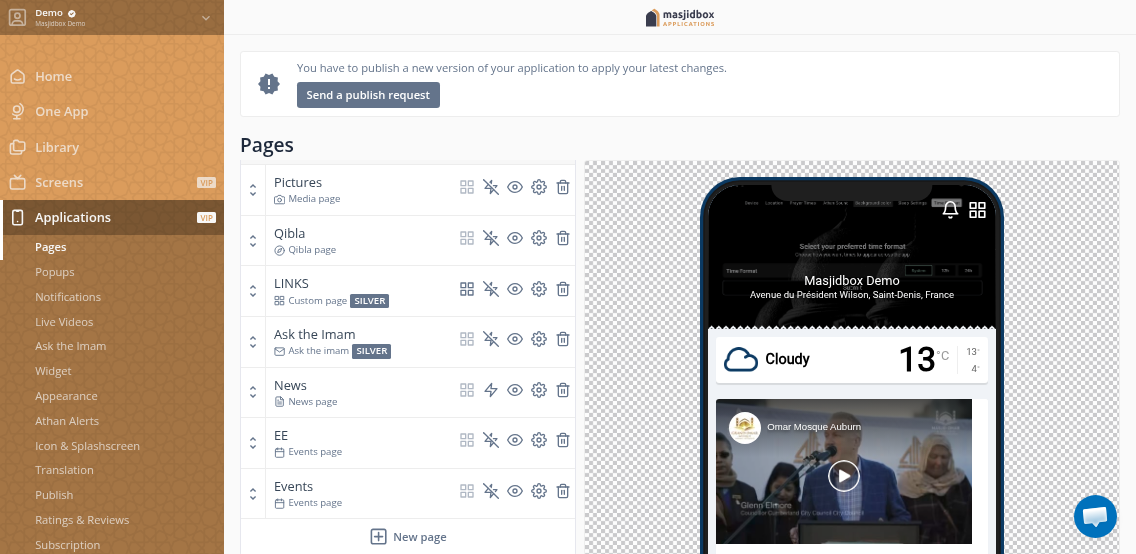
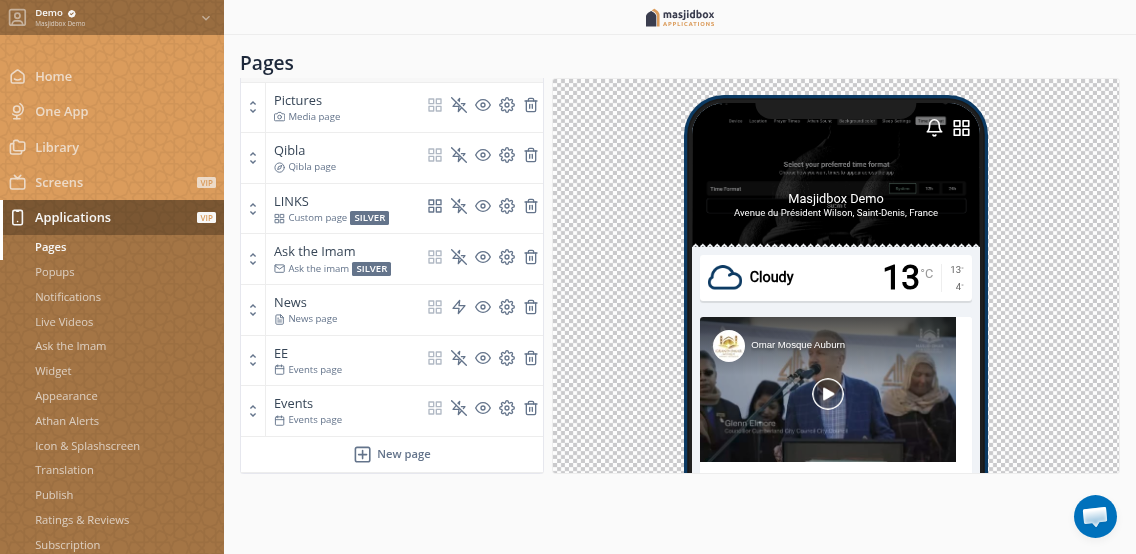
Your changes appear immediately in the page builder preview. To make them live in your app, click Send a publish request at the top of the Applications dashboard.
Toggle off any times you don't want to display. All options are enabled by default.