
How to add your logo on Masjidbox Terminal
Your mosque logo appears on the Masjidbox Terminal screen when accepting donations, giving a professional, branded experience. You can upload your logo from the terminal settings.
You'll need a logo file in PNG or JPG format, maximum 2MB in size.
Add your logo
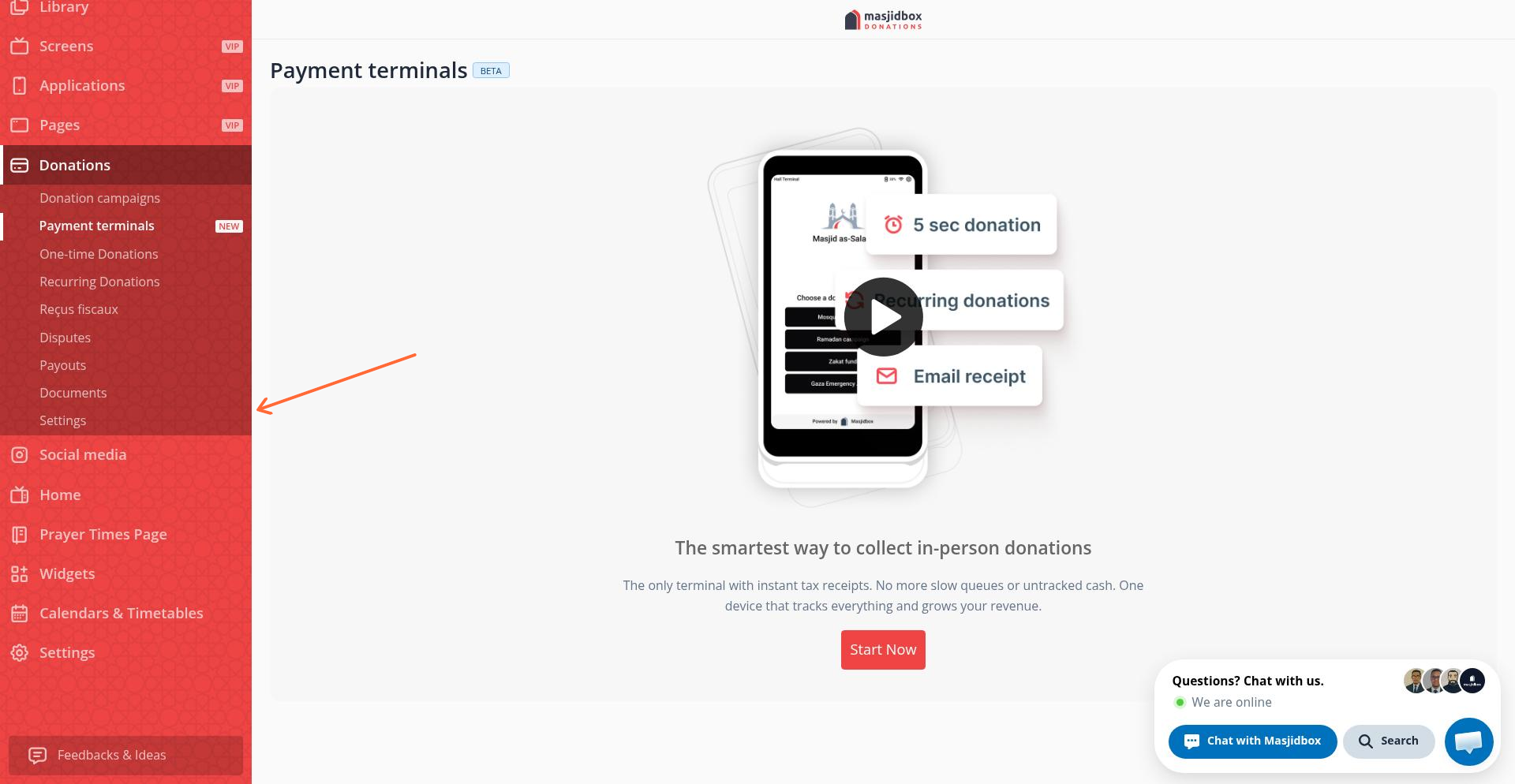
Go to Donations > Payment terminals in your dashboard sidebar.
Click Settings in the sidebar under Donations.
Select the Logo tab.
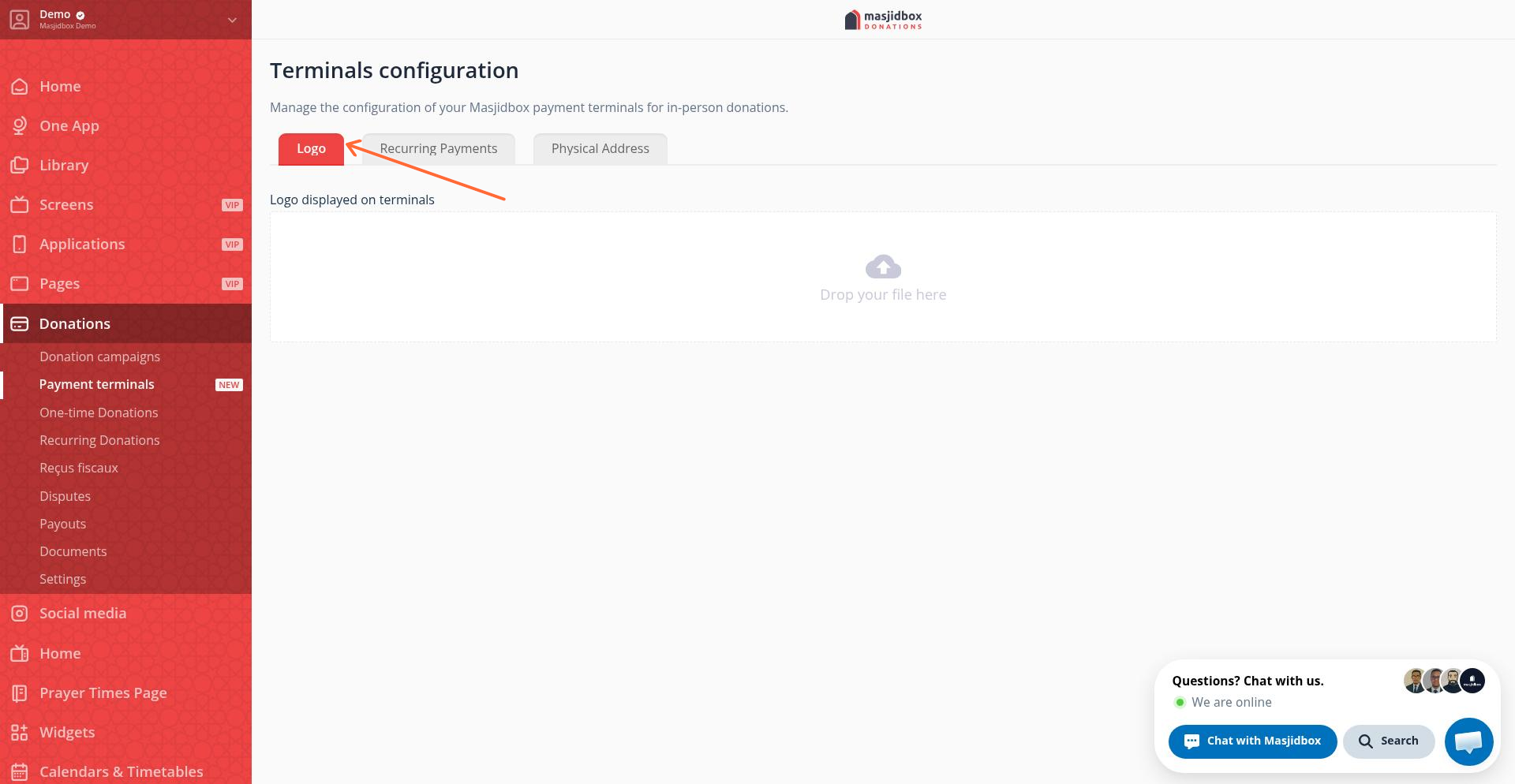
Drag and drop your logo file, or click to browse and select it.
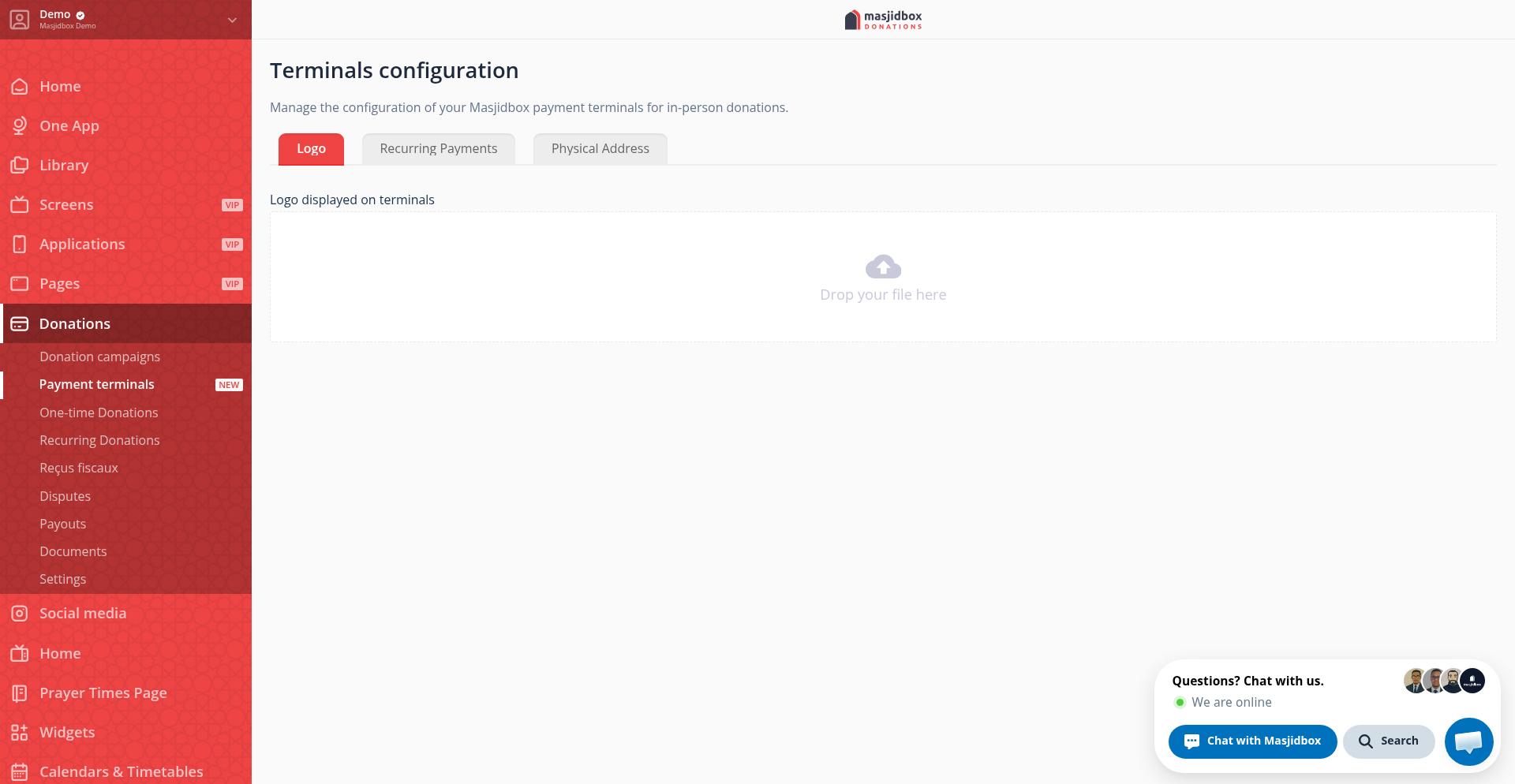
Your logo uploads automatically and will appear on the terminal screen during donations.
Remove your logo
To remove the logo, go back to the Logo tab and click the remove button next to the uploaded image.
Was this helpful?