
How to create a weekly Jumuah donation campaign
A weekly Jumuah campaign lets congregants donate every Friday, building consistent support for your mosque. You can set suggested amounts, track progress toward a goal, and enable recurring donations so donors contribute automatically each week.
Before you begin: You'll need Stripe connected to your Masjidbox account. See How to set up your account for details.
Create your Jumuah campaign
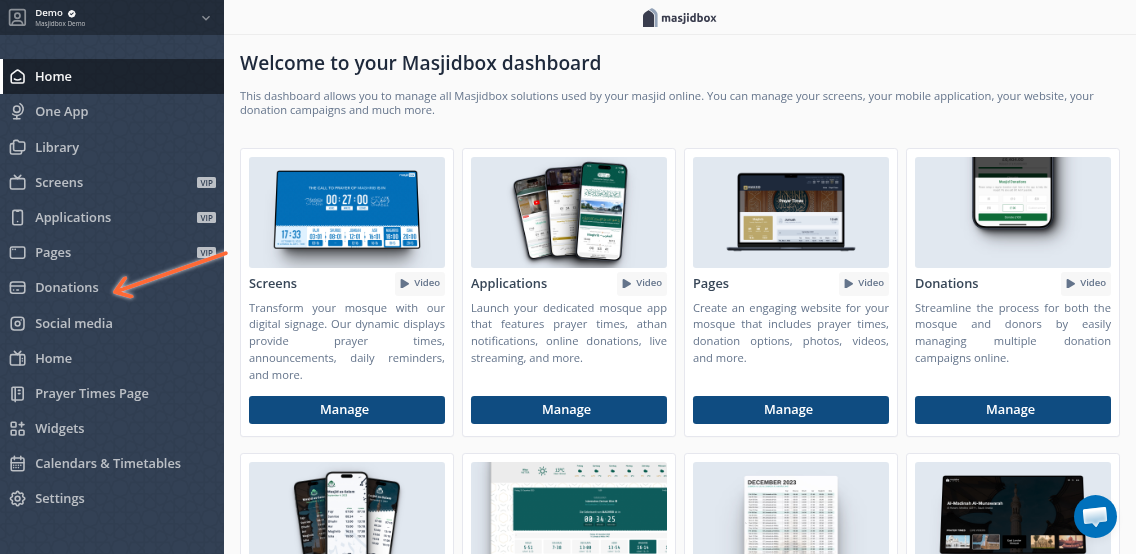
Go to Donations > Donation campaigns in your dashboard sidebar.
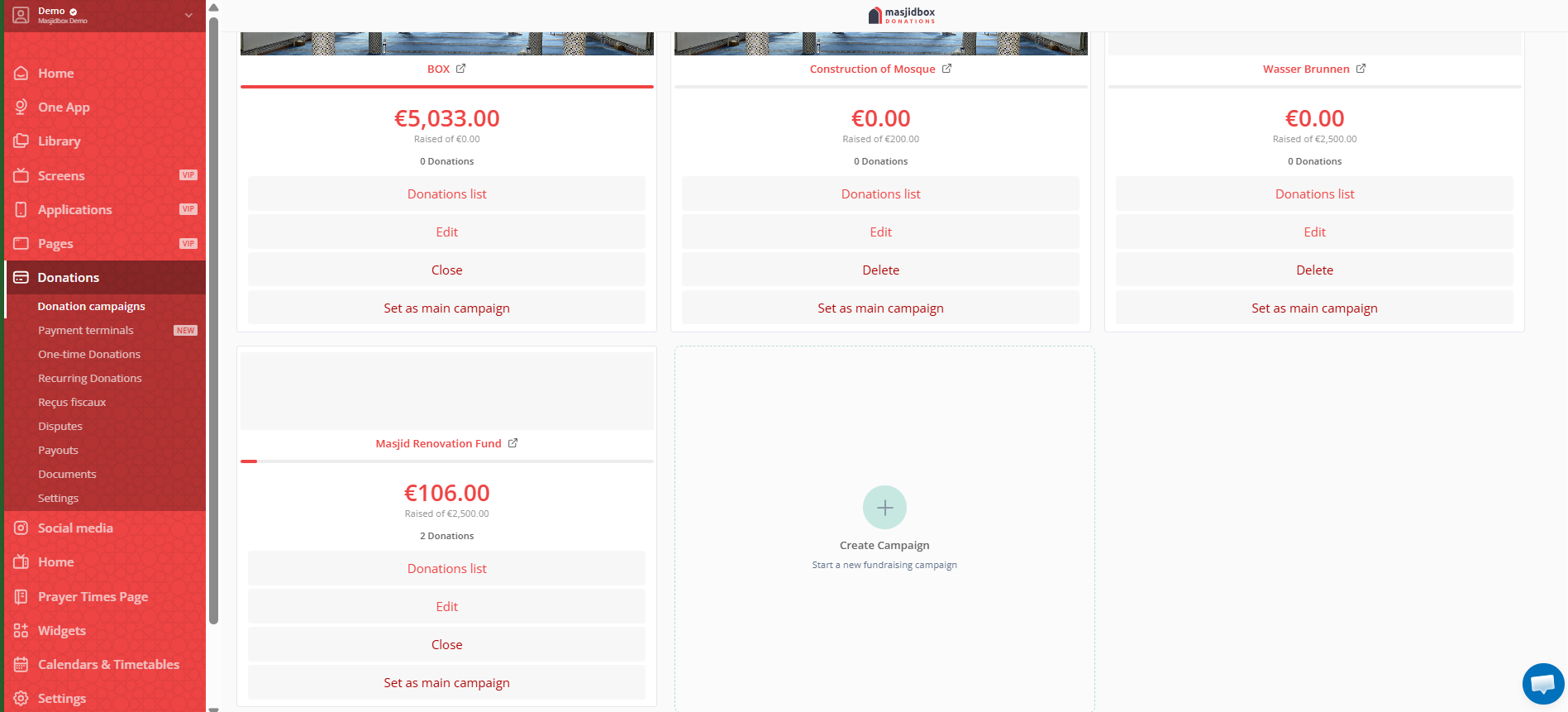
Click Create Campaign (+ icon).
Enter a Title like "Weekly Jumuah Support" or "Friday Sadaqah."
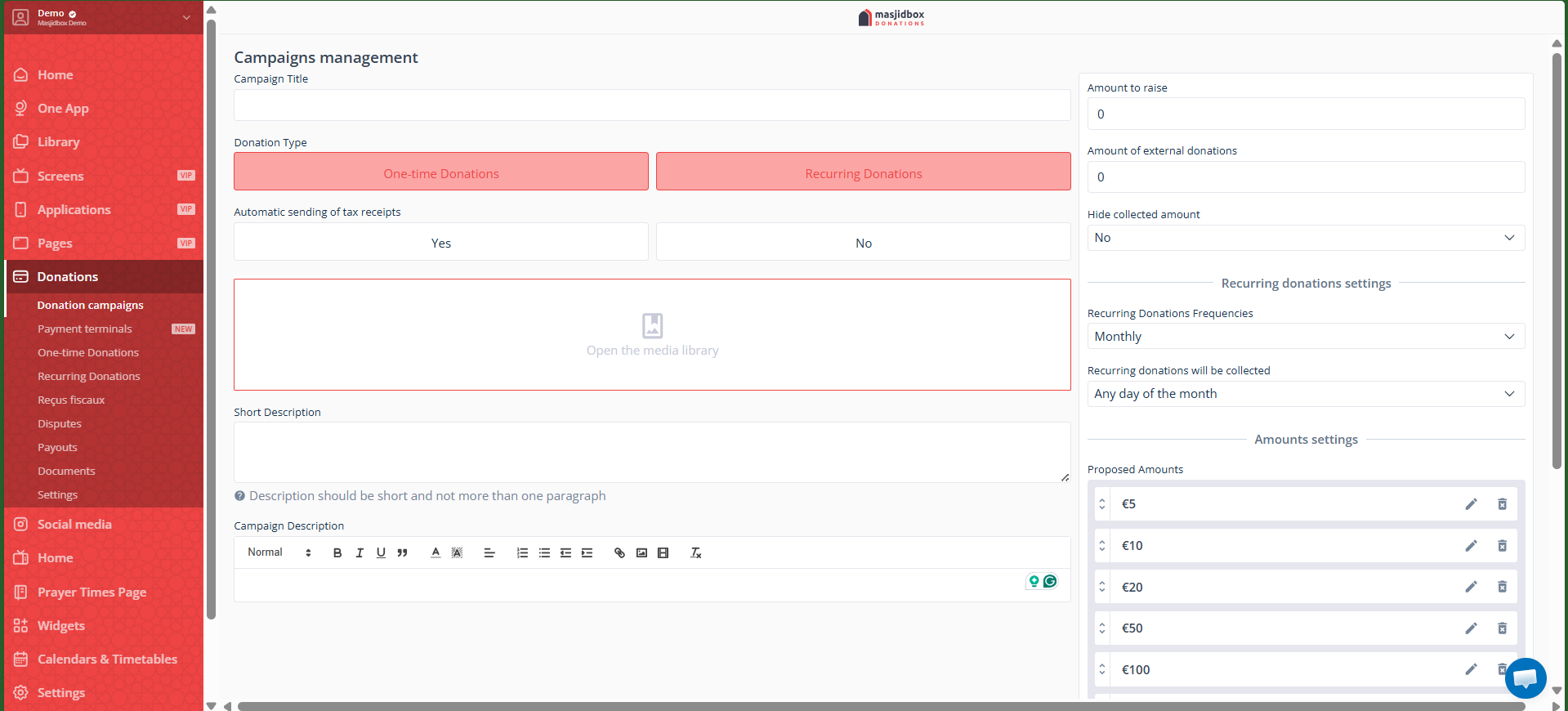
Under Donation Type, select both One-time and Recurring Donations.
In Frequencies, check Weekly and choose the day (e.g., Friday).
Set Suggested Amounts (up to 6 options, e.g., €5, €10, €20) or allow custom amounts.
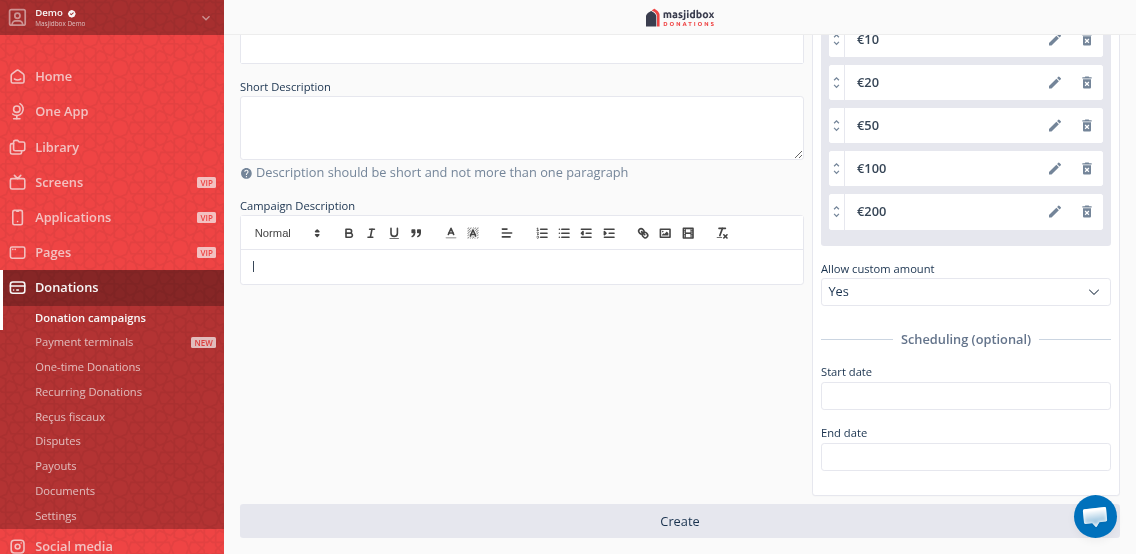
Optional: Add a Target Amount to show progress, upload an Image, and write a Description explaining how funds support Jumuah activities.
Click Create.
Make it visible
After creation, your campaign appears in the list. To promote it:
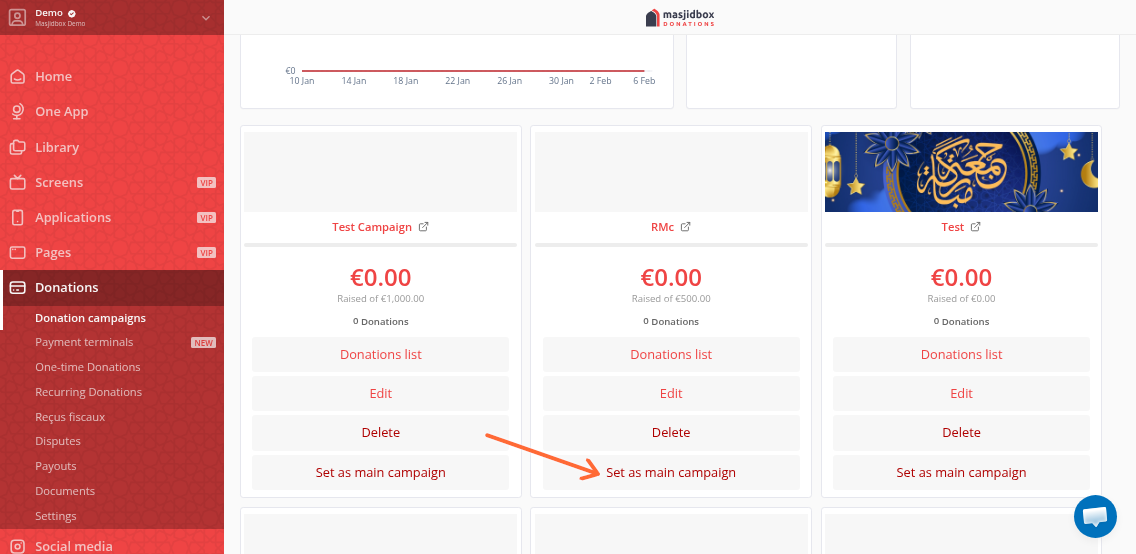
Set as Main Campaign: Click the three dots menu on the campaign card and select Set as Main Campaign to feature it prominently in your app and widgets.
Embed in Pages: Add it to your website using Pages.
Display QR Code on Screens: If you use Masjidbox Screens, the QR code auto-generates for each campaign.
Enable recurring donations so congregants can set it once and support Jumuah every week automatically. They'll receive a link to manage or pause their subscription anytime.
Track donations
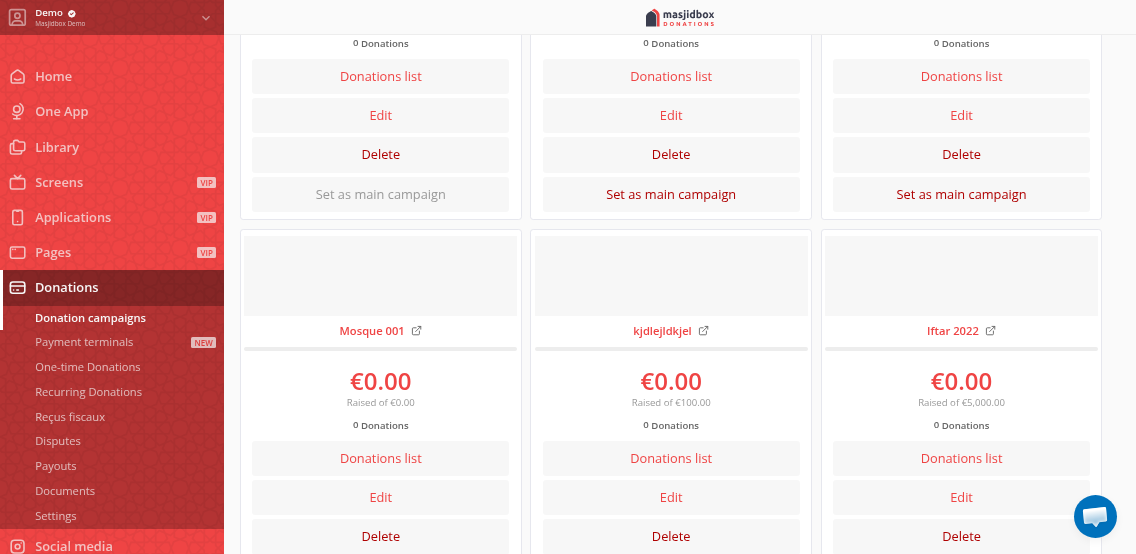
View all donations by clicking the Donations list on the campaign card. Track recurring subscriptions under Donations > Subscriptions in your dashboard.