
How to Customize the widgets of the App
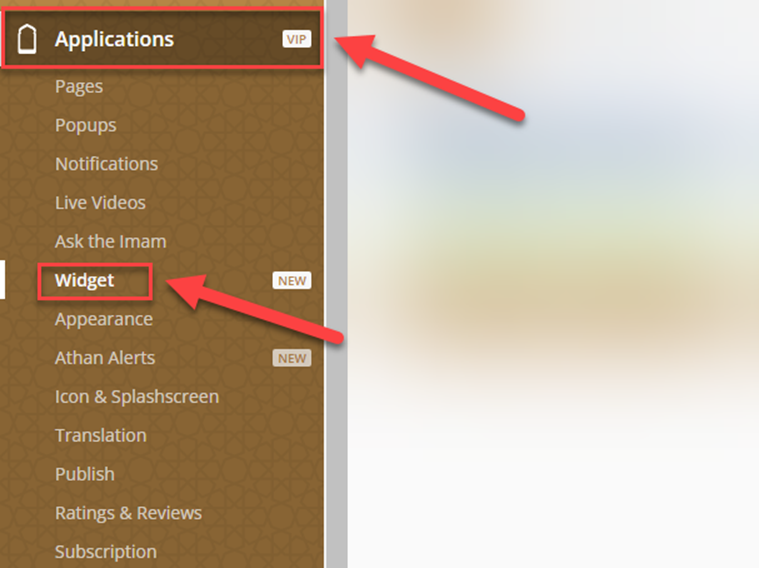
In the Dashboard, click on Applications, then Widgets
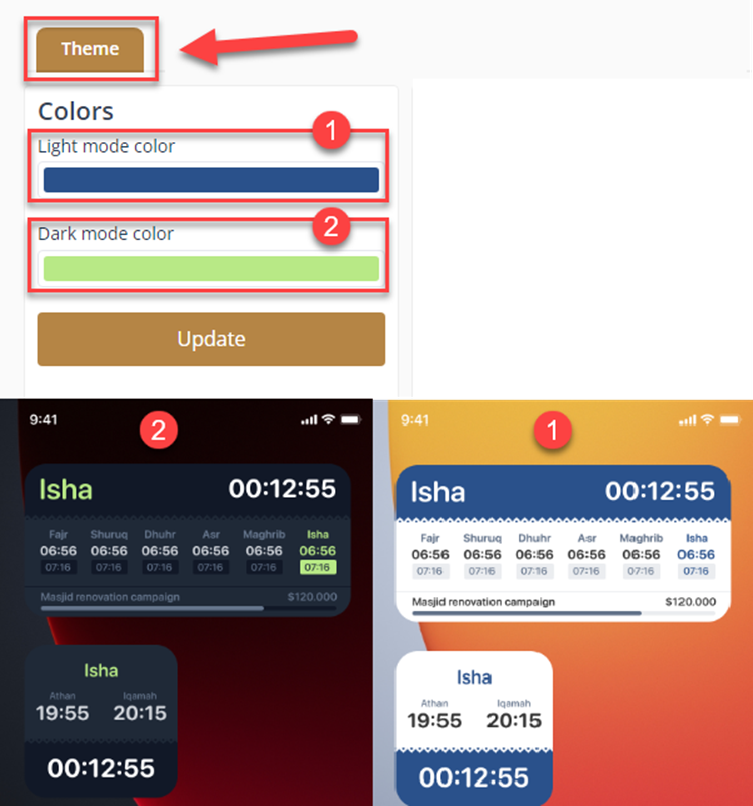
In the Theme, you can customize both Light mode ⁽¹⁾ & Dark mode ⁽²⁾
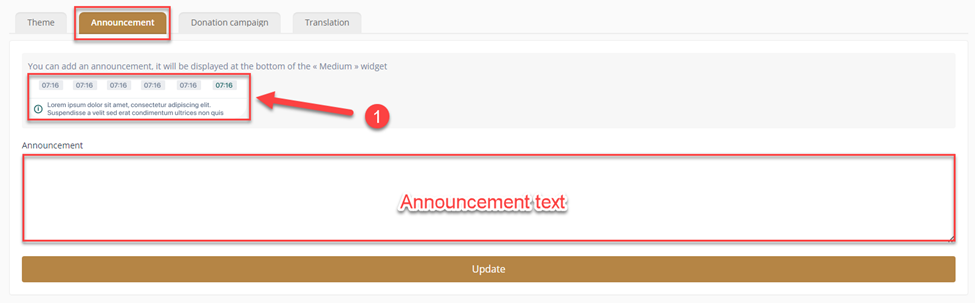
To add an announcement, enter the announcement text, and it will be displayed at the bottom of the « Medium » widget⁽¹⁾
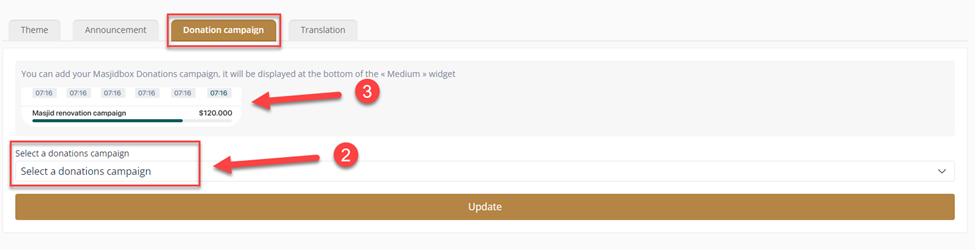
For the donations, if you already created a donation campaign, you can choose it from here⁽²⁾. Also, it will be displayed at the bottom of the « Medium » widget⁽³⁾
In the Translation you can translate the name of the prayers to the language you want.
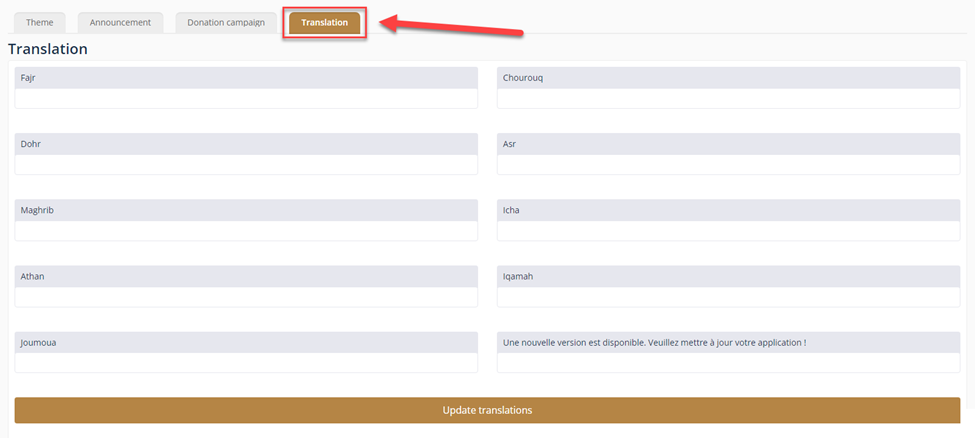
Don’t forget to click on UPDATE after every change you make.
NOTE: Changes are not applied immediately. iOS and Android cache widgets for performance reasons. So, you have to wait about 30 minutes to see the changes.
Was this helpful?