
How to export your donation tax receipts list
Export your donation tax receipts as a CSV file for accounting, tax filing, and historical record-keeping. This includes all donations for which you've issued receipts.
Before you begin: You need access to the Donations product and manager permissions to export receipts.
Export your tax receipts
Log in to your Masjidbox dashboard.
Click Donations in the left sidebar.
Click Reçus fiscaux (Tax Receipts) in the Donations menu.
Click Export All Receipts.
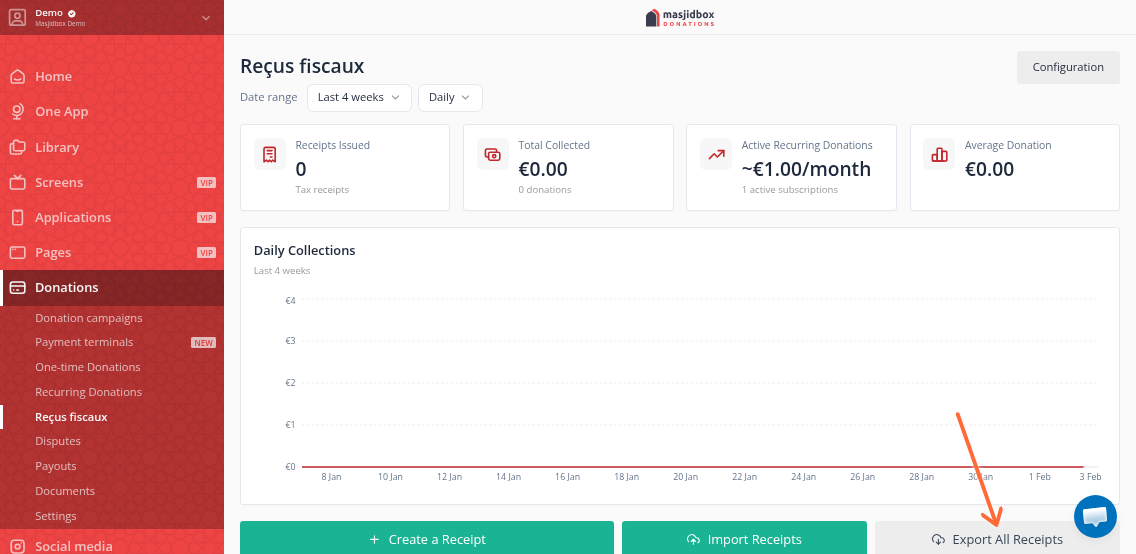
Your browser will download a CSV file containing all issued receipts.
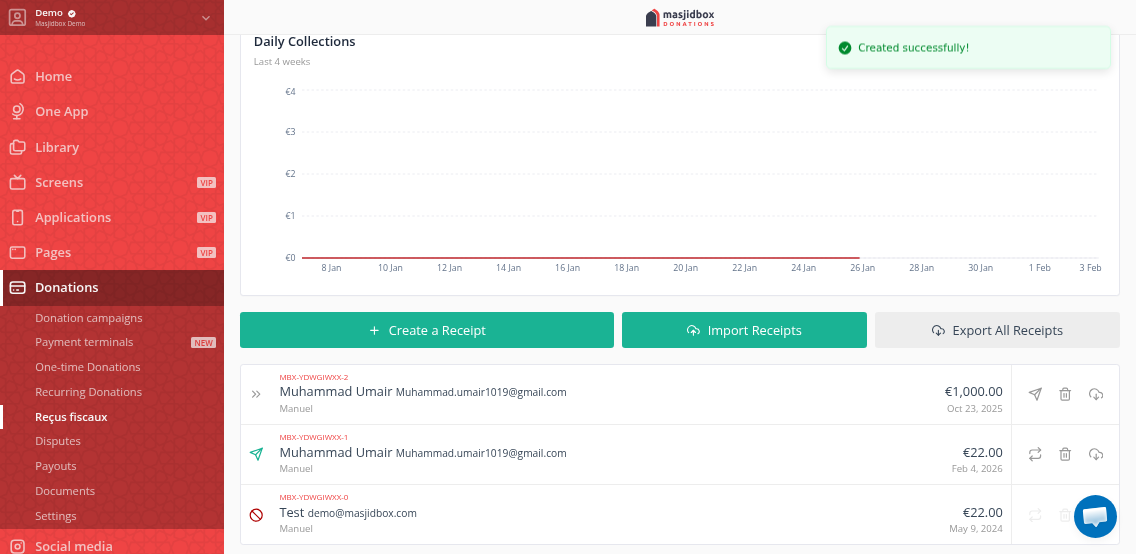
What's included in the export
The CSV file contains donation records with receipt details including donor information, amounts, dates, and receipt status.
Open the CSV file in Excel, Google Sheets, or your accounting software for analysis and reporting.
Related articles
Was this helpful?