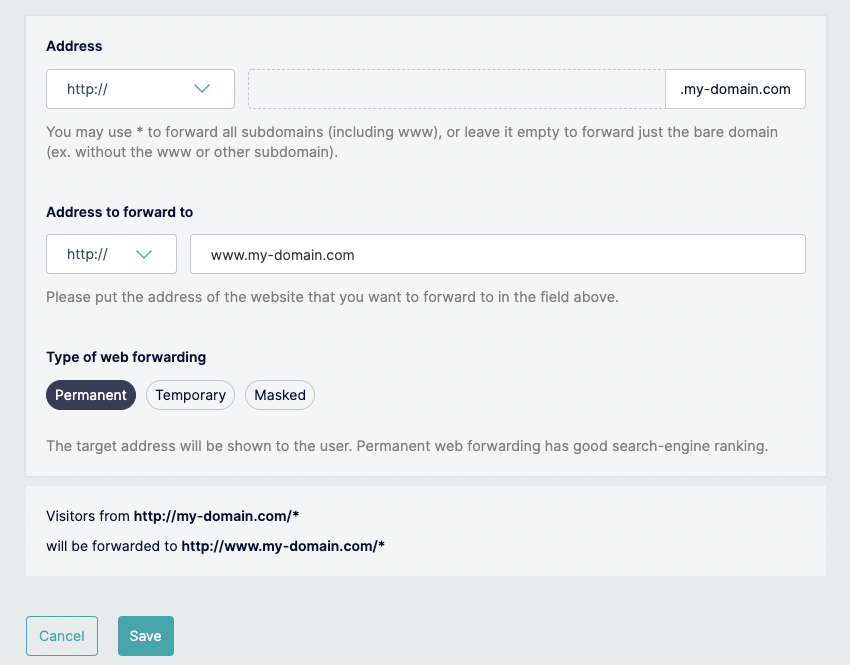
How to link your Gandi domain name
1. Setup your custom domain
Log in to your admin space on the Gandi website.
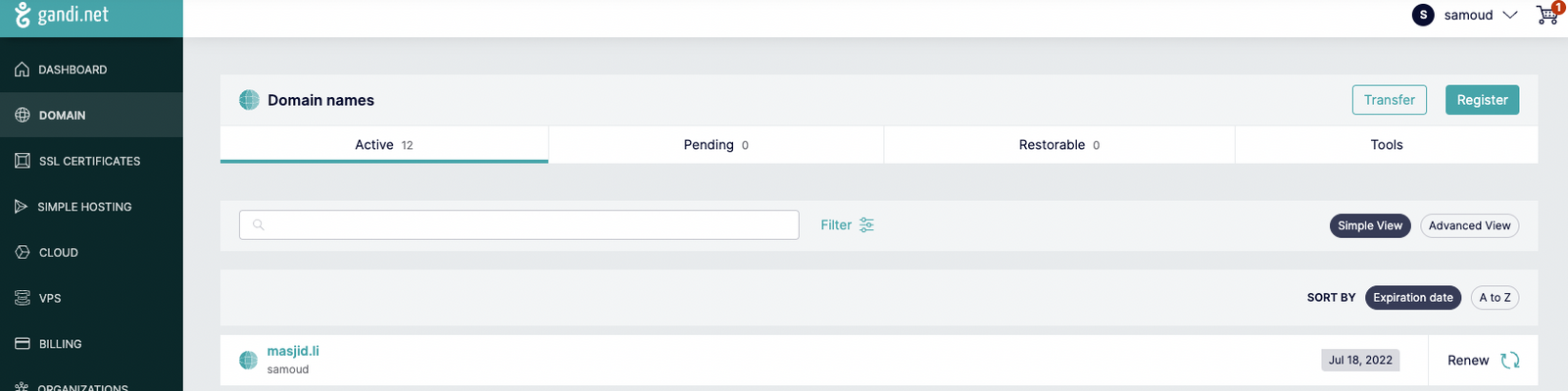
Go to DOMAIN section and select your domain name. Let's take as an example for this guide my-domain.com
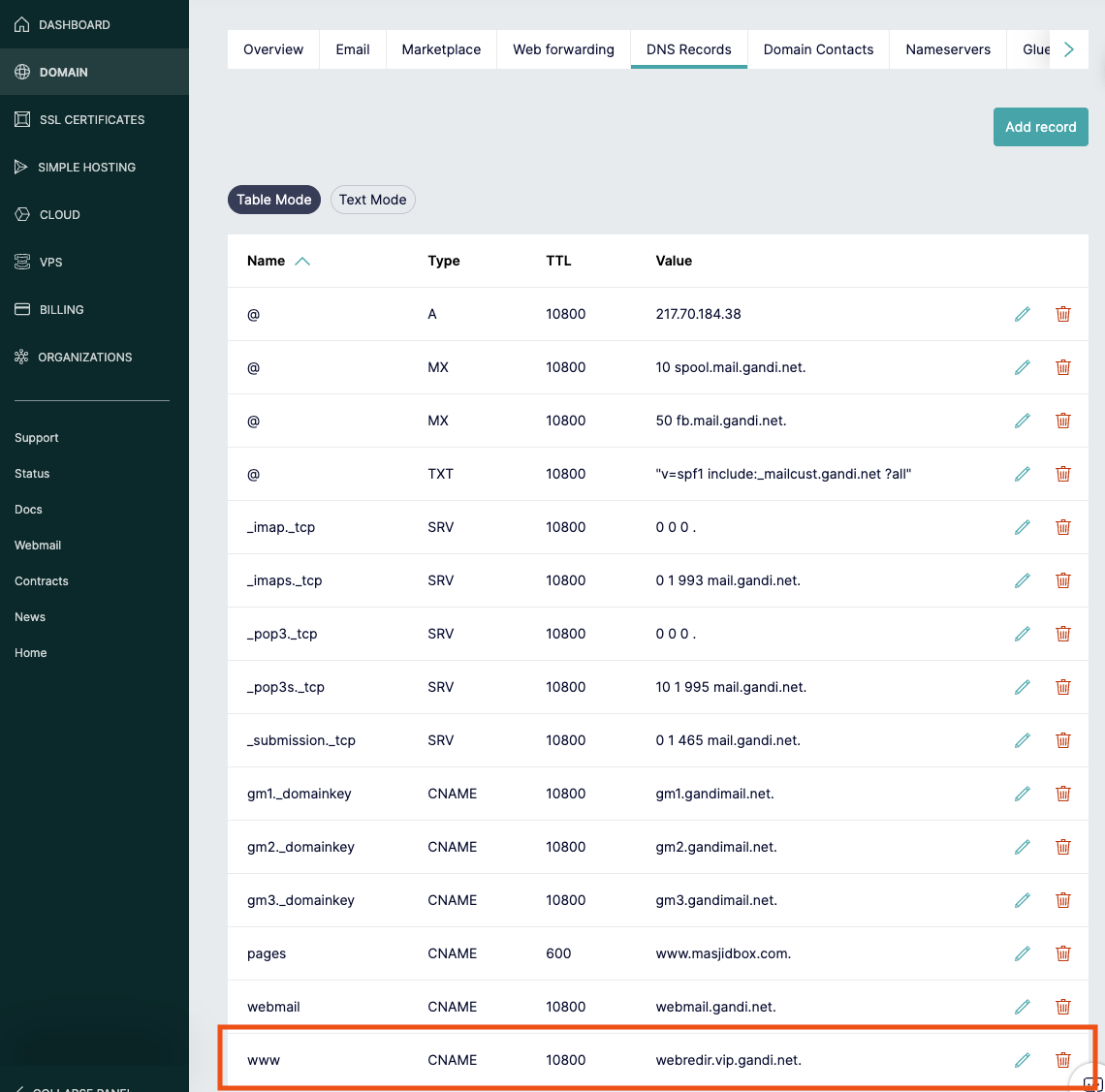
Go to DNS Records and remove this line if it exists : ****- www CNAME 10800 xxx.xxx.xxx.xxx
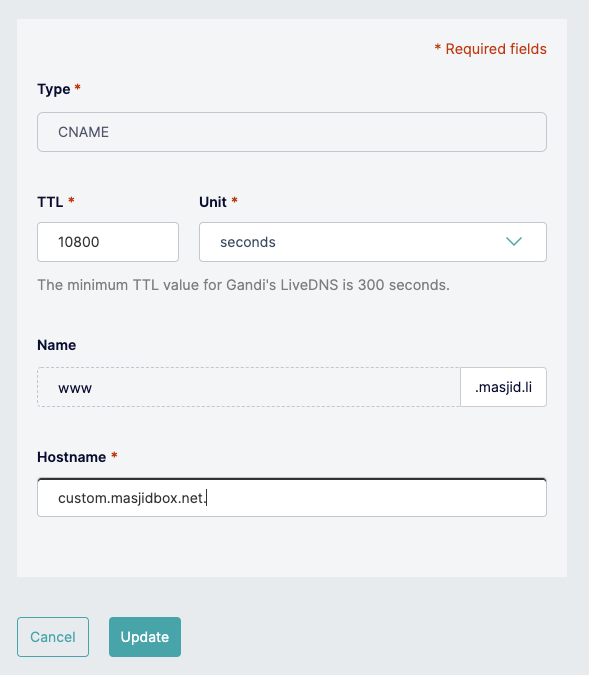
Click on add record button, choose CNAME
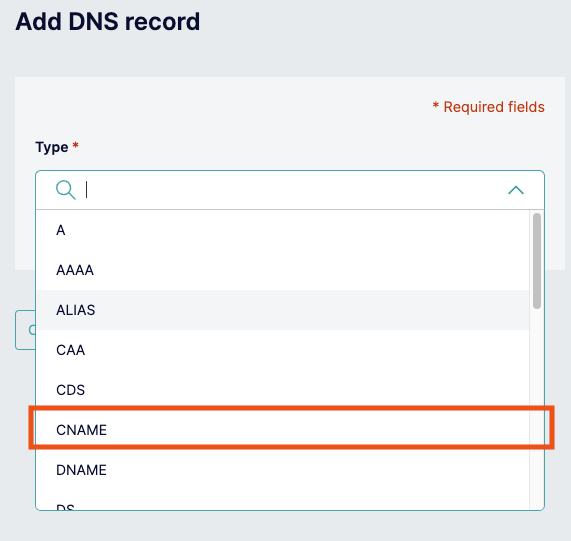
Add www (or another subdomain if you want) as Sub-domain, and custom.masjidbox.net. as hostname. (don't forget the dot at the end of the domain name)
2. Link your domain name to your Masjidbox website
Go to Masjidbox Dashboard
Click on Pages menu, Settings submenu and then Domain Name section
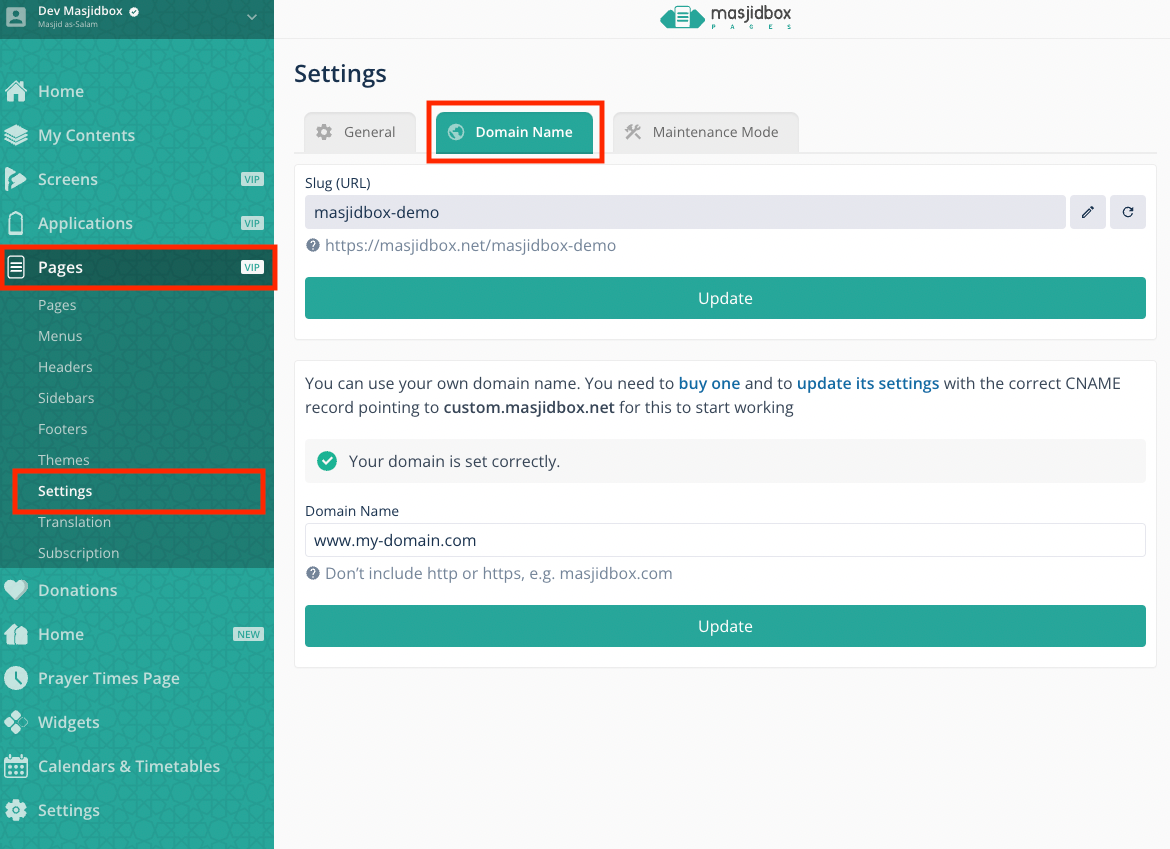
add www.my-domain.com as your domain name, and click on button
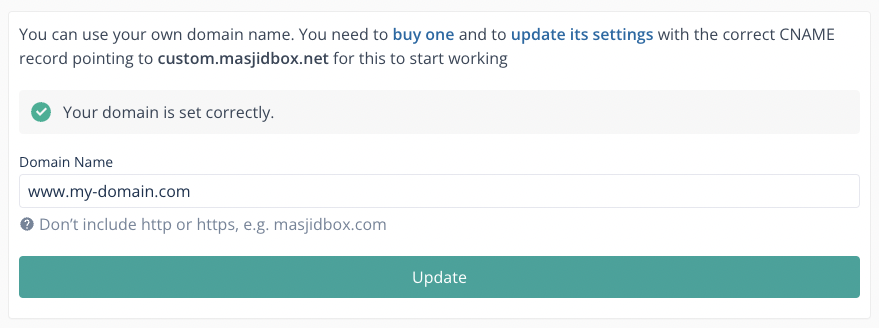
the domain name should be ok after 5 minutes. If not, please contact our support team.
3. Redirect all subdomains** to www (optional but recommended)
Go back to your admin space on the Gandi website.
Go to DOMAIN section and select your domain name.
Go to Web forwarding, and click on Create a web forwarding address button
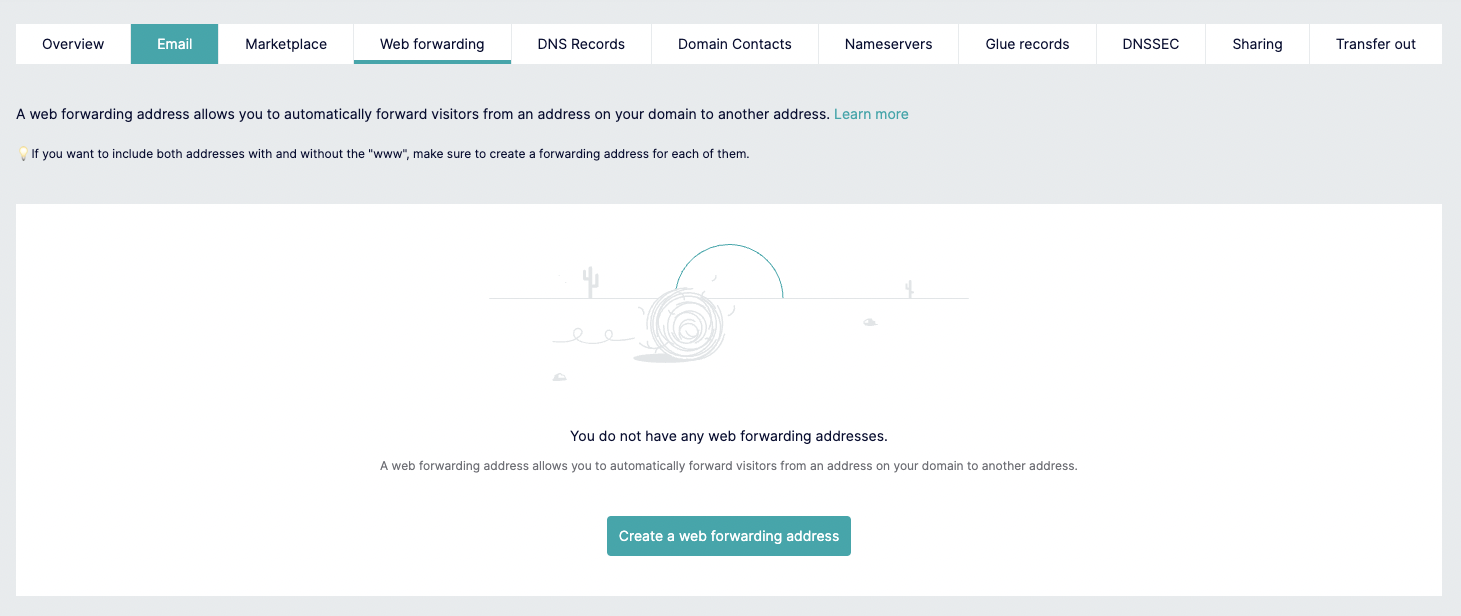
Keep the address field blank, add www.my-domain.com as Address to forward to, Choose Permanent Type and click on Create button