
How to refund a donation
You can refund donations directly from your Masjidbox dashboard. Refunds are processed through Stripe and cannot be undone.
You need admin access and a validated Donations account to refund donations.
Steps to refund a donation
Navigate to Donations in the left sidebar, then One-time Donations.
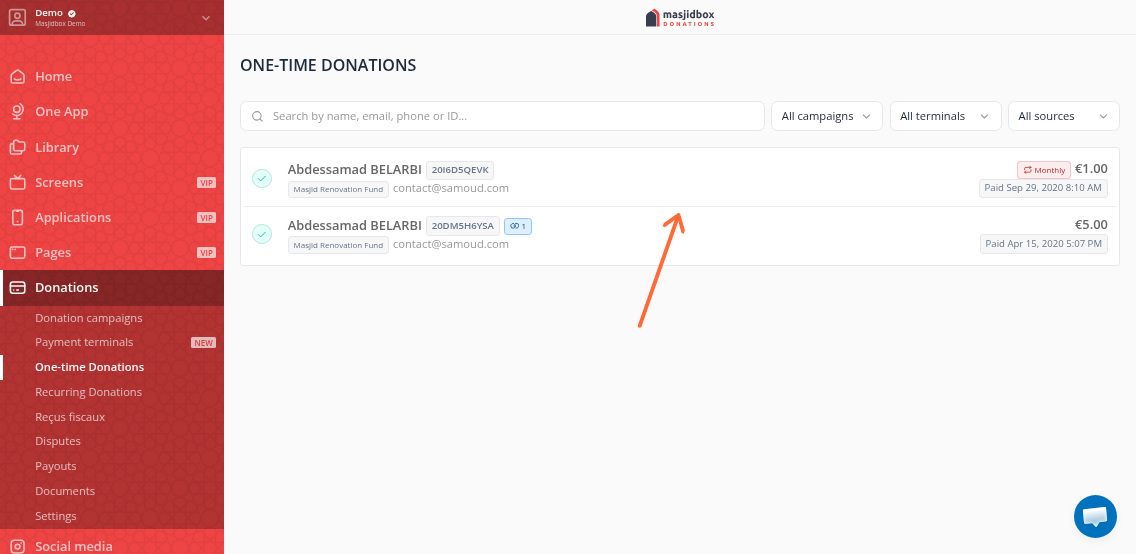
Click the donation you want to refund to open the details drawer.
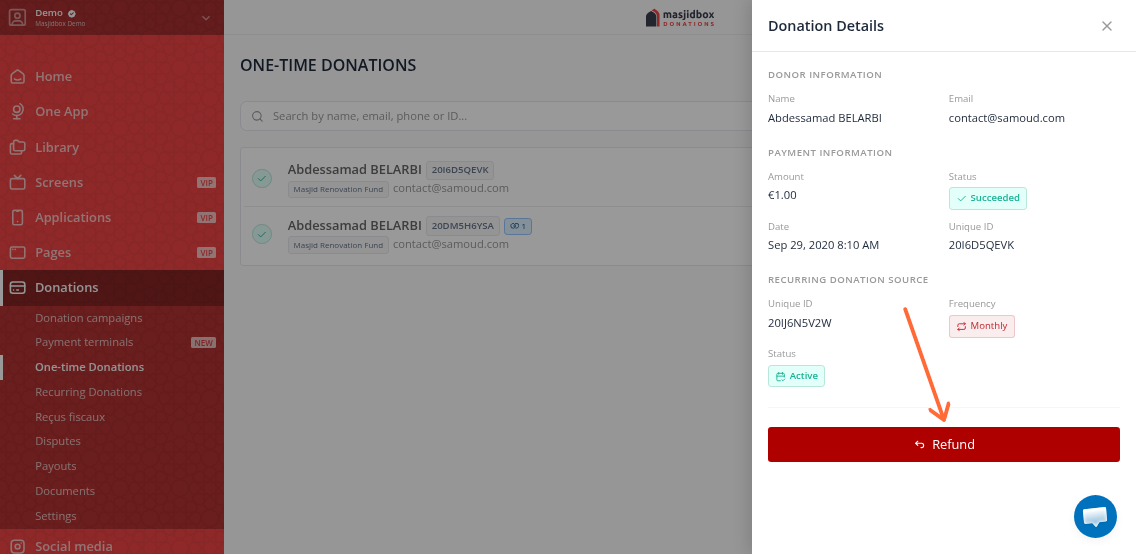
Scroll to the bottom and click the red Refund button.
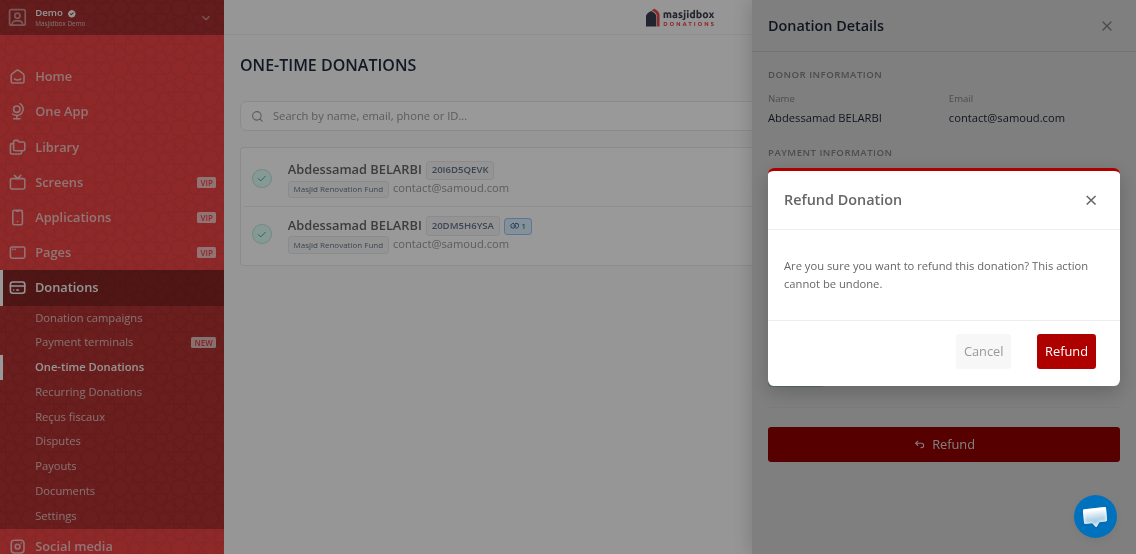
A confirmation modal will appear, warning that the action cannot be undone. Click Refund to proceed.
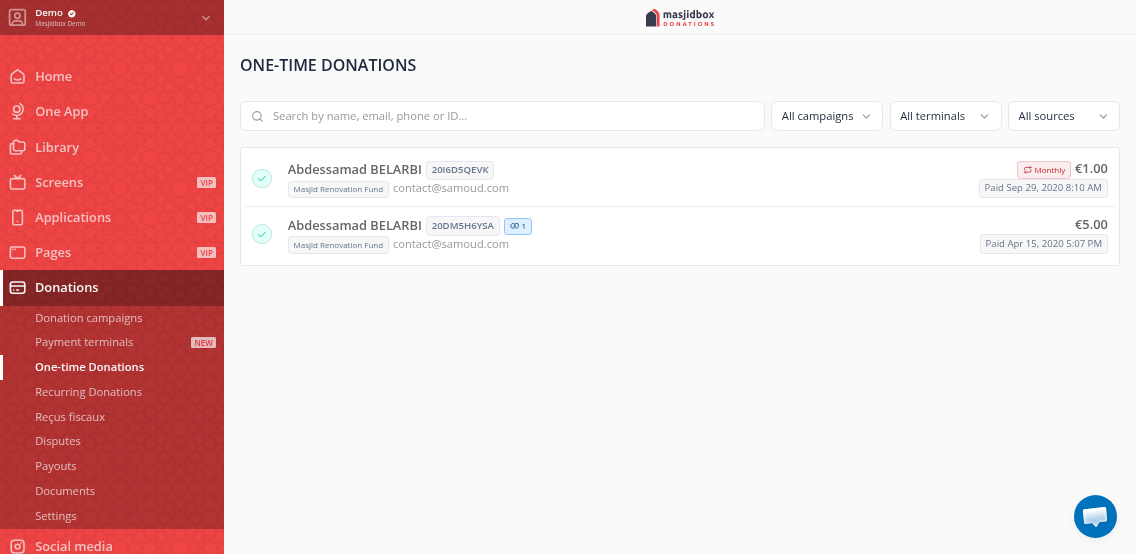
The donation status will update to Refunded. A refund history section will appear in the details, showing the refund amount and date.
Refunds process the full remaining donation amount. You cannot refund partial amounts from the dashboard.
What happens after a refund
The refund is sent to Stripe immediately and will appear in your Stripe dashboard. The donor receives the refund according to their payment method (typically 5-10 business days for bank transfers).
The Refund button is only available for donations with status SUCCEEDED or PARTIALLY_REFUNDED. Fully refunded or disputed donations cannot be refunded again.